Payload integration basics
Mechanical mountings
Payloads can be attached to the top mounting plate using standard hardware. The plate is designed for M5 bolts and nuts and features a regular 25 mm x 25 mm hole grid (center-to-center spacing). This grid enables modular, repeatable mounting of payloads and accessories while preserving precise alignment.
Use appropriate washers and locking nuts (or thread-locking inserts) as required for vibration resistance. Ensure bolt length provides sufficient thread engagement without contacting internal components.
If your payload uses a different hole layout, there are two common options:
- Drill additional holes in the mounting plate to match your payload pattern. When doing so, verify hole positions against internal components and use appropriate corrosion-resistant fasteners. Avoid over-drilling and check that new holes do not penetrate or interfere with wiring or structural elements.
- Design a 3D-printed adapter or sub-plate that mates to the 25 mm x 25 mm grid. An adapter lets you retain the original plate integrity while providing a custom hole pattern or mounting features for non-standard payloads.
If you prefer not to drill the plate or design a custom adapter yourself, you can order a complete sensor integration from us. We offer mechanical hardware and software integration delivered as a ready-to-mount kit or installed by our team — contact us for options and pricing.
Using external data & power ports
The external data and power ports are located within the rear compartment. This compartment must be opened for access. The interfaces are provided for connecting external payloads or for establishing a direct connection to the rover's internal network.

The Raph Rover is not weatherproof while the rear compartment is open. To maintain the IP54 protection rating with external connections, please use the external cable seals.
External cable seals
Both to keep the rover looking cleaner, and to provide extra weather and dust resistance a system of seals around the rover can be used. They can ensure that the whole robot with additional payload will maintain the IP54 protection rating.
To insert additional cables, it is necessary to dismantle the entire panel by loosening two thumb screws. Once the panel is disassembled, individual seals can be removed from the frame, allowing for the insertion of new cables.
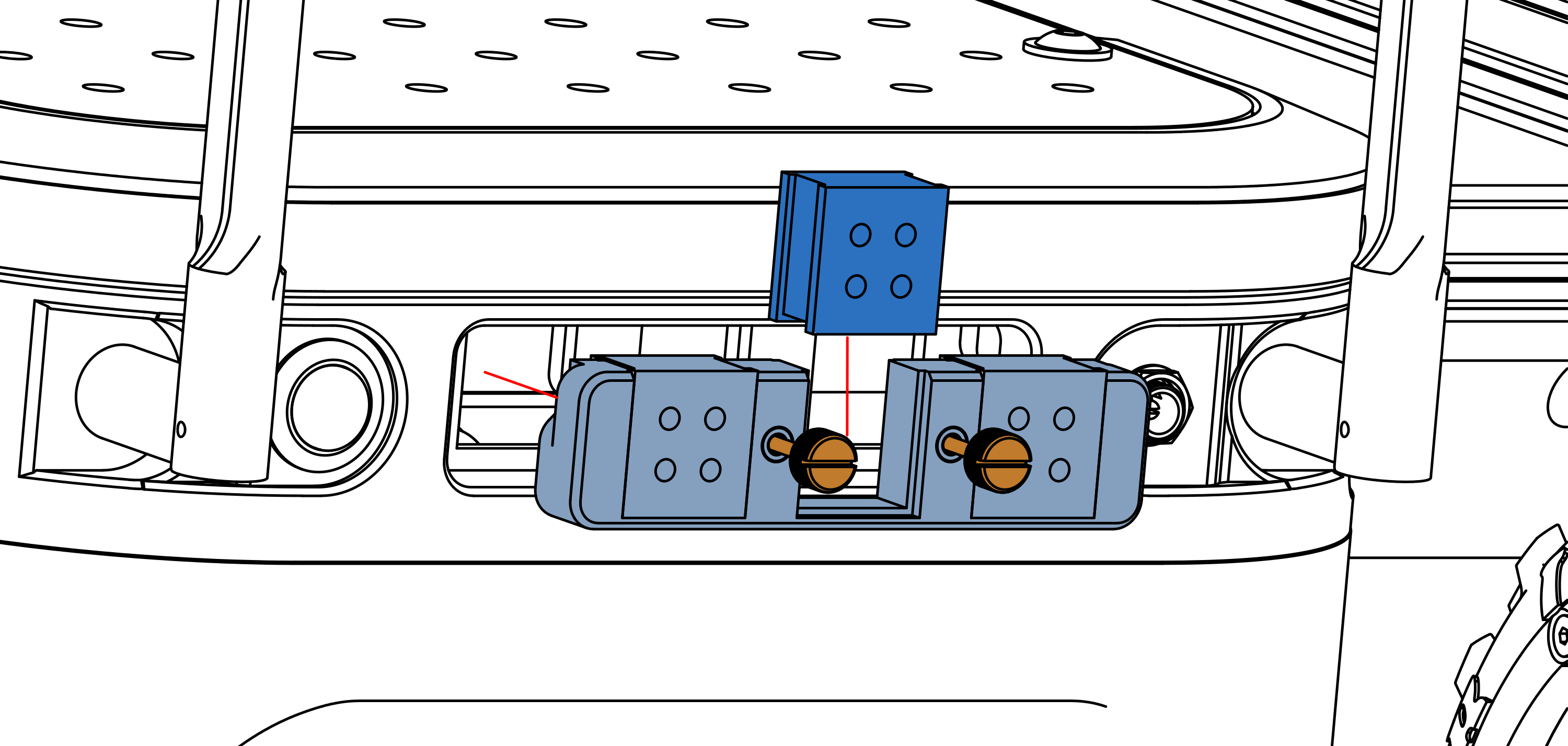
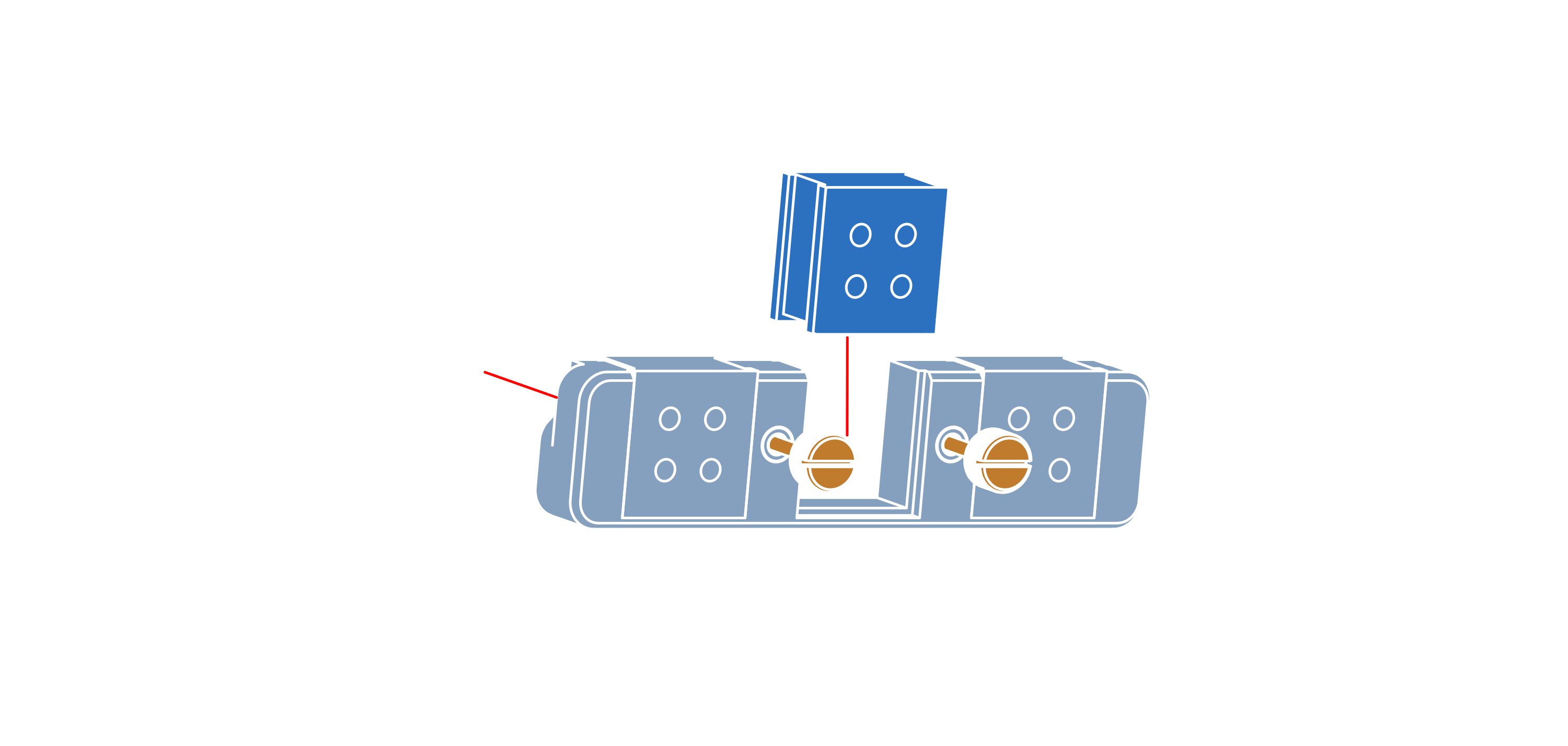
Raph Rover comes with different seals, labeled as QT [Z]/[X] or QT [X], where Z indicates the number of holes in the seal and X indicates the diameter of the cable in millimeters.
Each cable seal has splitted holes, so it is possible to route pre-terminated cables through them.